Point of sale, inventory and business management for retail shops.
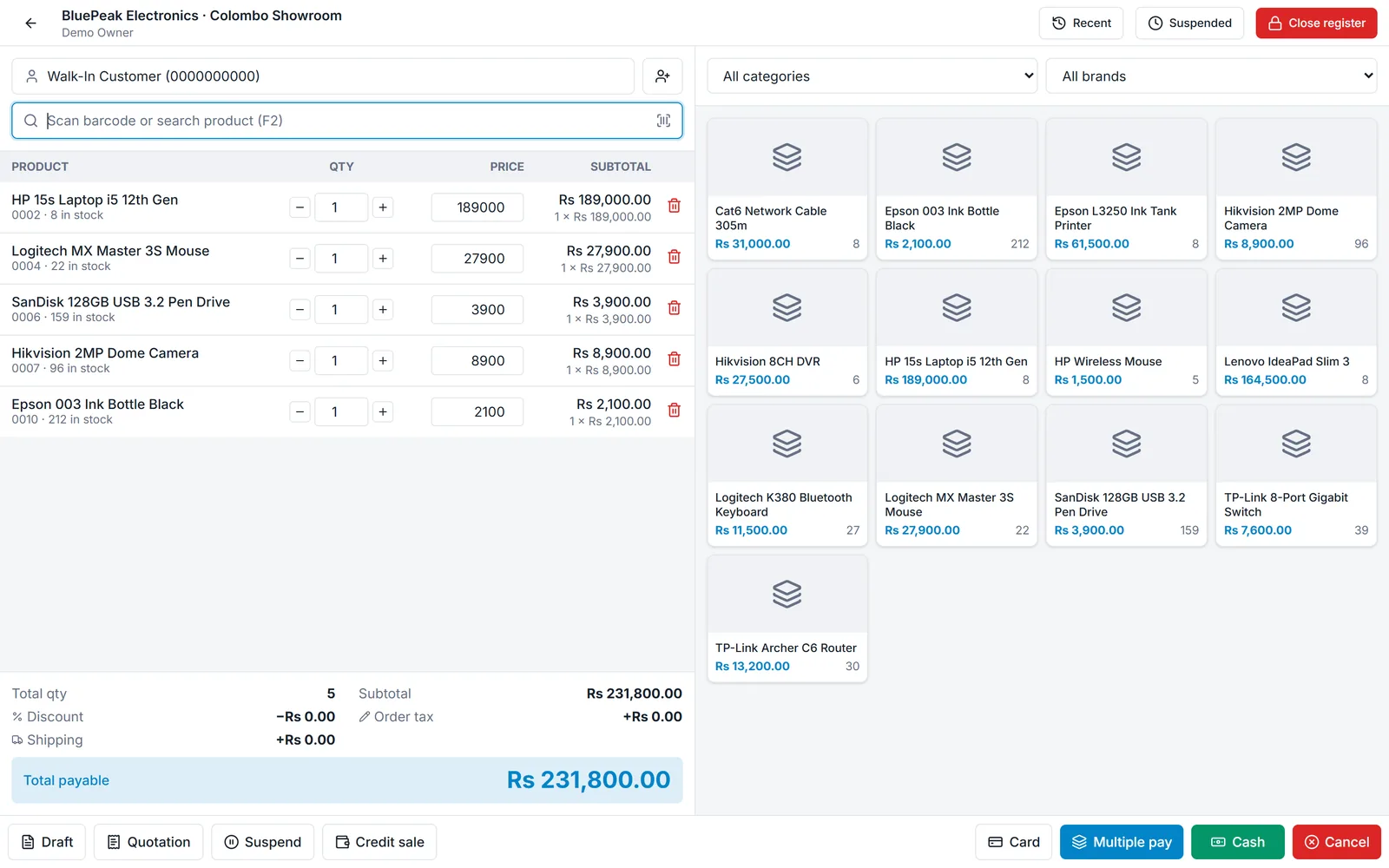
Sell faster
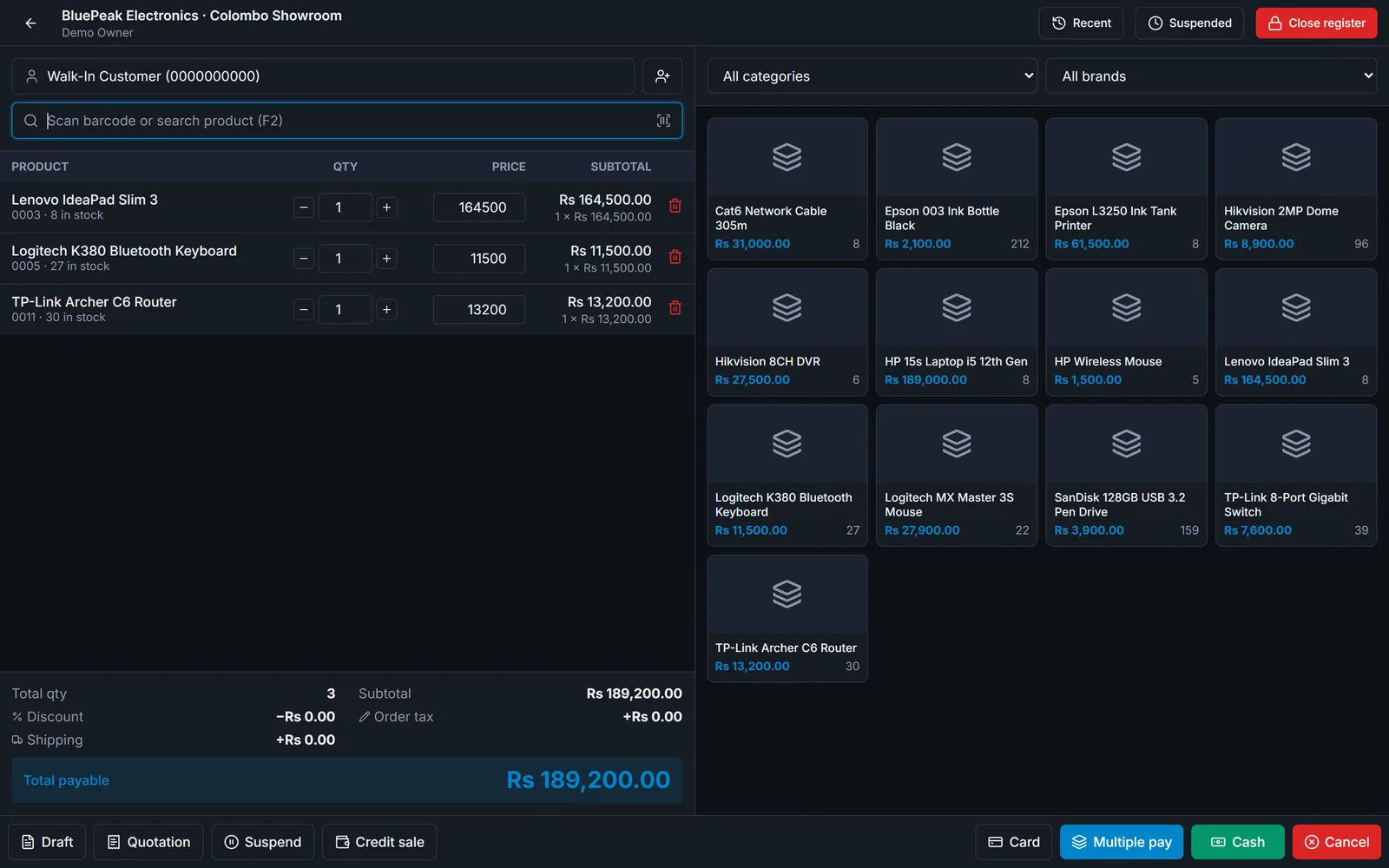
A sales screen built for busy counters.
- Barcode scanning and tap-to-add product grid
- Cash, card, multiple-payment and credit sales
- Drafts, quotations and suspended sales
- 80 mm receipts and A4 invoices
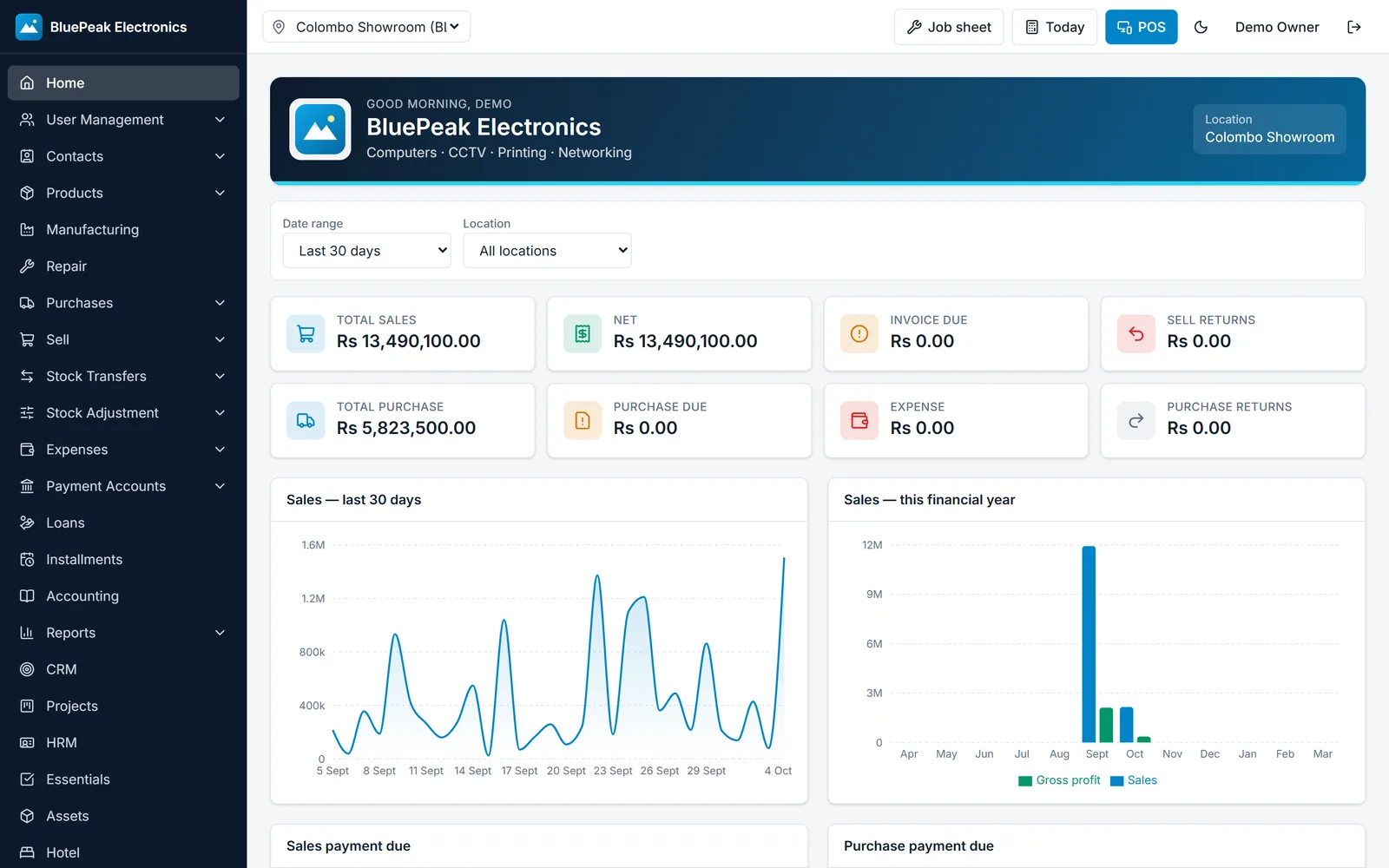
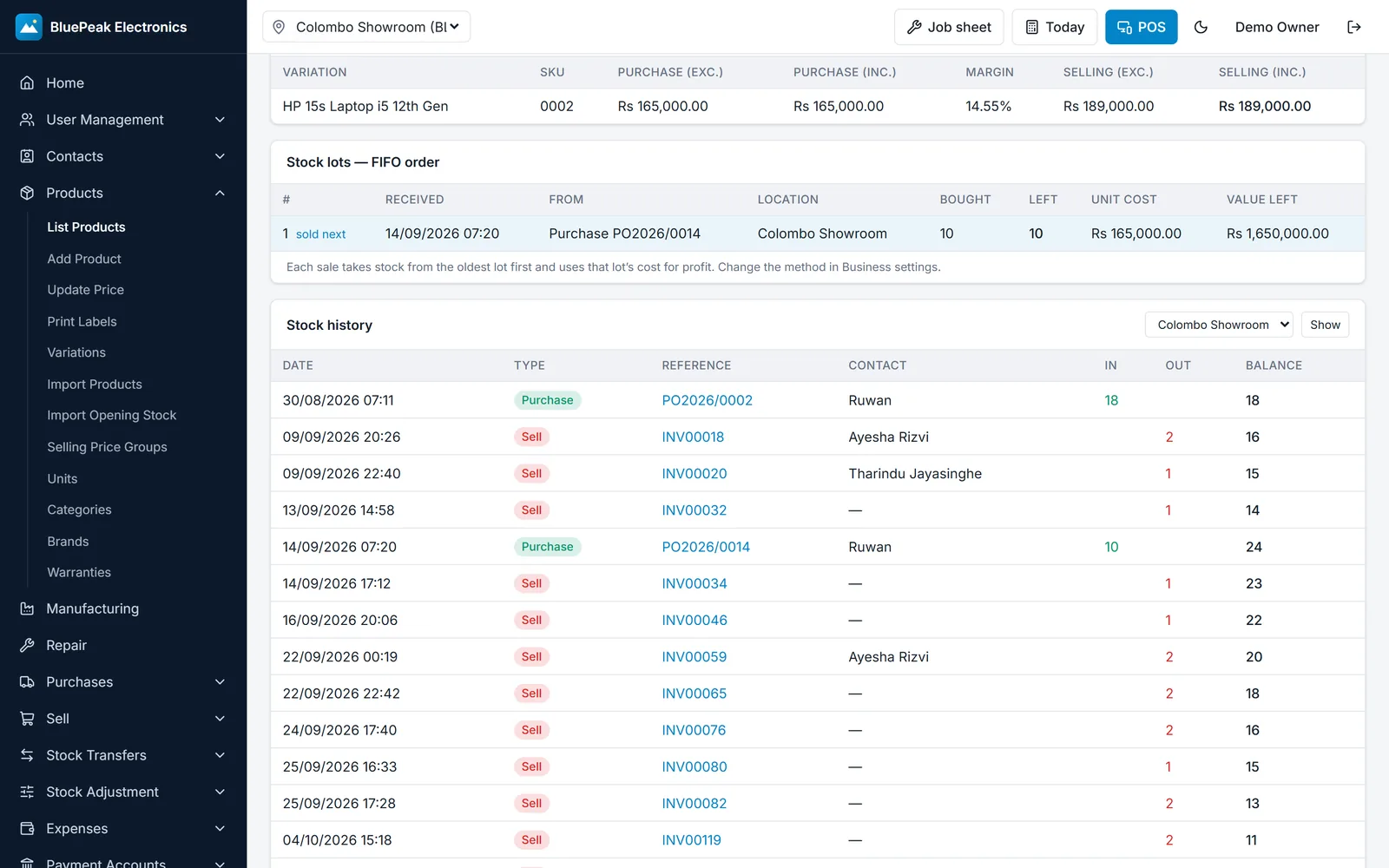
Stock you can trust
Every sale uses the oldest stock first, so cost and profit are right.
- FIFO and LIFO lot costing with stock updated after every sale
- Purchases, purchase returns and stock adjustments
- Product import, opening stock import and barcode labels
- Serial number tracking and reports
Billing and invoices
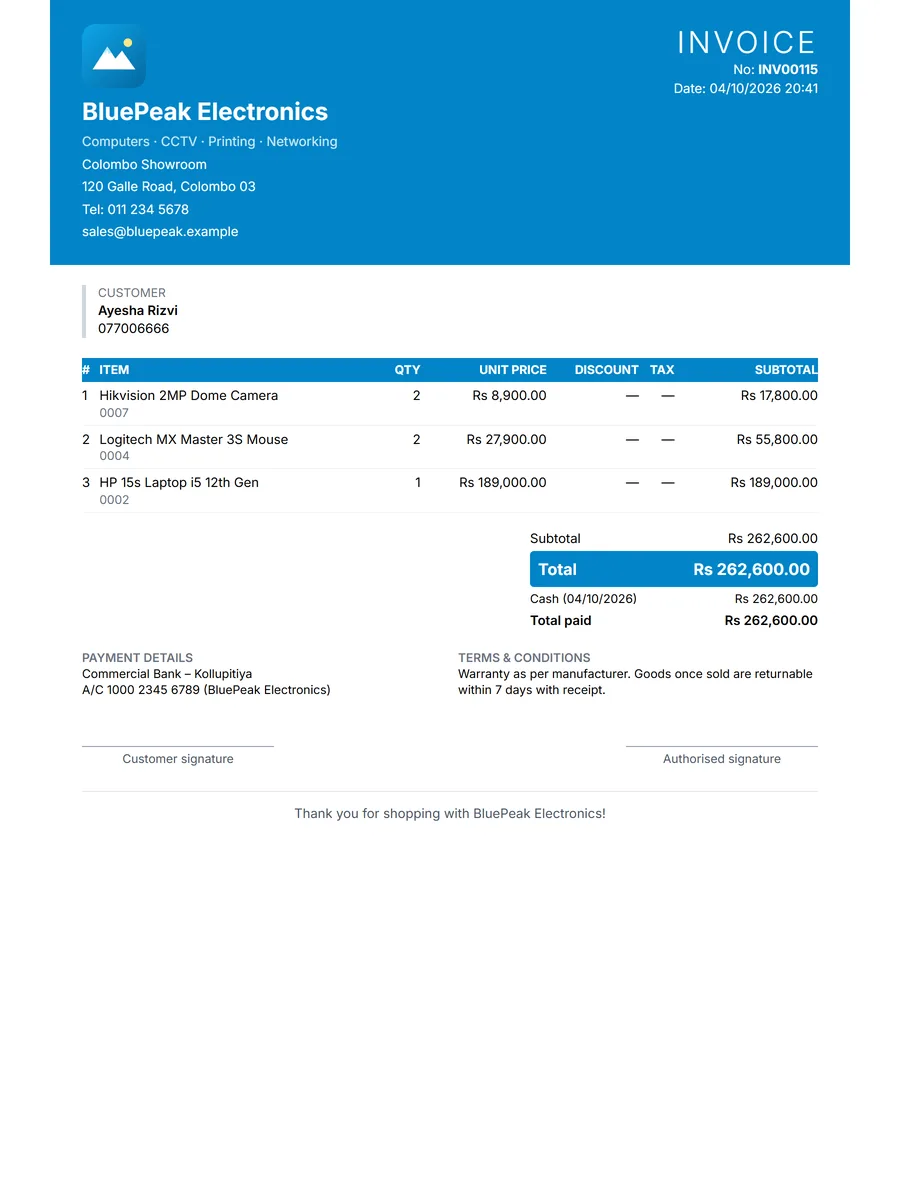
Invoices that carry the shop’s own identity.
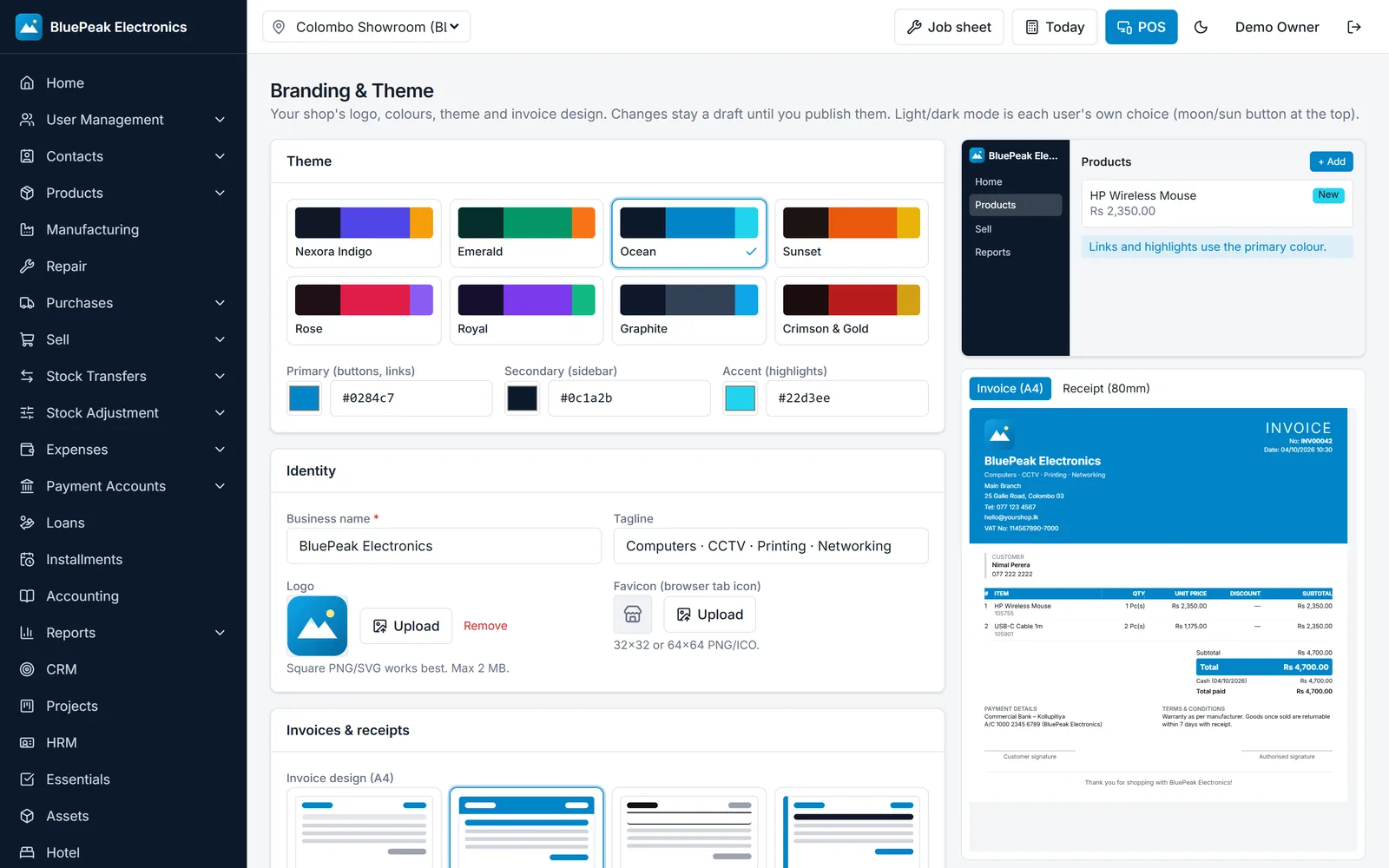
- Logo, colours and eight themes per business
- Four invoice designs, previewed live before you publish
- Item returns with refund or exchange, including serial swap
- Payment methods configurable per shop, including QR and online options where enabled
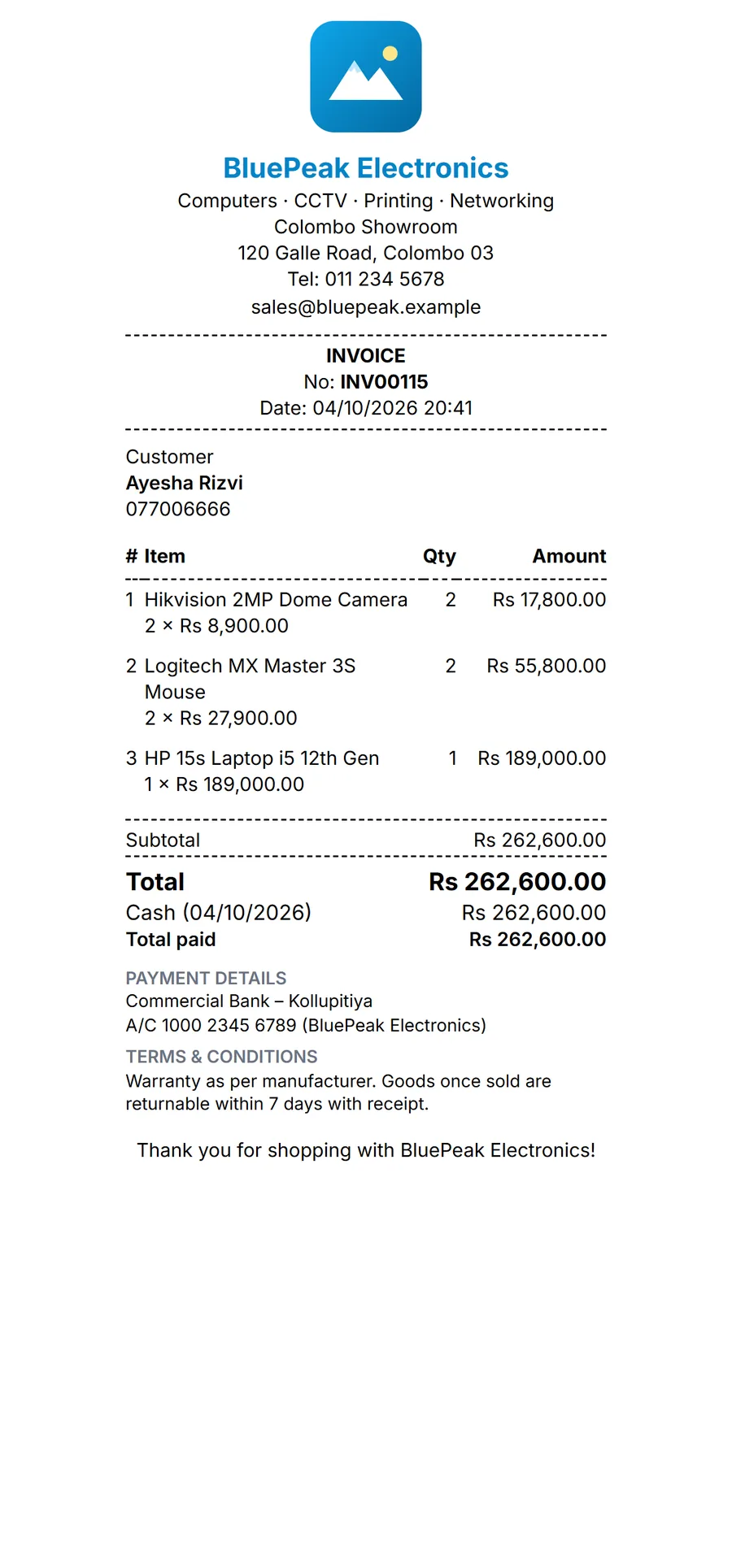
Reports and management
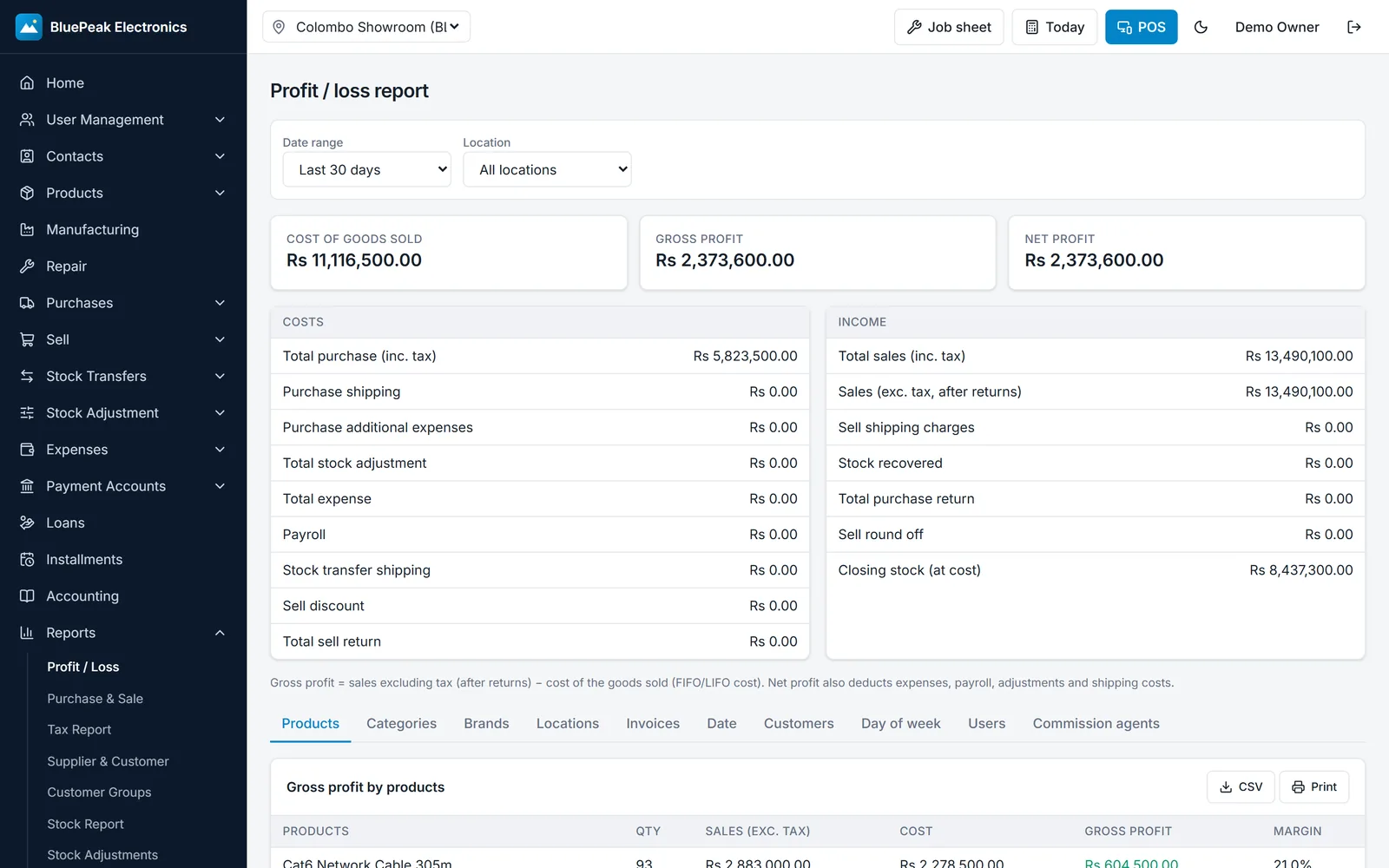
Know the numbers without exporting to a spreadsheet first.
- Dashboard, profit and loss, stock, tax (606/607) and sales registers
- Customer, supplier and expense reports
- Roles for owner, manager, cashier and staff, enforced in the database
- Optional modules: accounting, CRM, HR and payroll, repairs, loans and installments, hotel, manufacturing
Desktop, offline and mobile
Keep selling when the connection drops.
- Windows desktop app with an offline mode; changes sync when the connection returns
- Thermal printers for 80 mm and 58 mm receipts, and A4 printing
- Android app for phones and tablets (in testing)
More of Nexsora POS
Real screenshots from the running app, with sample data. Swipe or scroll sideways.
Plans and pricing
Starter
LKR 3,990
per month
Business
LKR 5,990
per month
Enterprise
LKR 10,990
per month
Start with a 30-day trial. Plan limits and included modules are confirmed when you sign up.
Prices are in Sri Lankan rupees (LKR) and exclude any taxes that apply.
What happens after you sign up
- 1
Set up your business
Enter your business details, logo and team. Choose your plan and branding.
- 2
Bring in your data
Import products and opening stock, or start fresh.
- 3
Go live
Train the team, switch on printing and start using the system.
Questions about Nexsora POS
The Windows desktop app has an offline mode. Sales made while offline are saved on the device and sync when the connection comes back. The web version needs an internet connection.
Request a demo for Nexsora POS
Tell us about your shop or site. We will reply by email to arrange a walkthrough.
Have a question first?
Send us a message and we will help you decide whether it fits.